Result Details
The "Result" in the dashboard can take the following values:
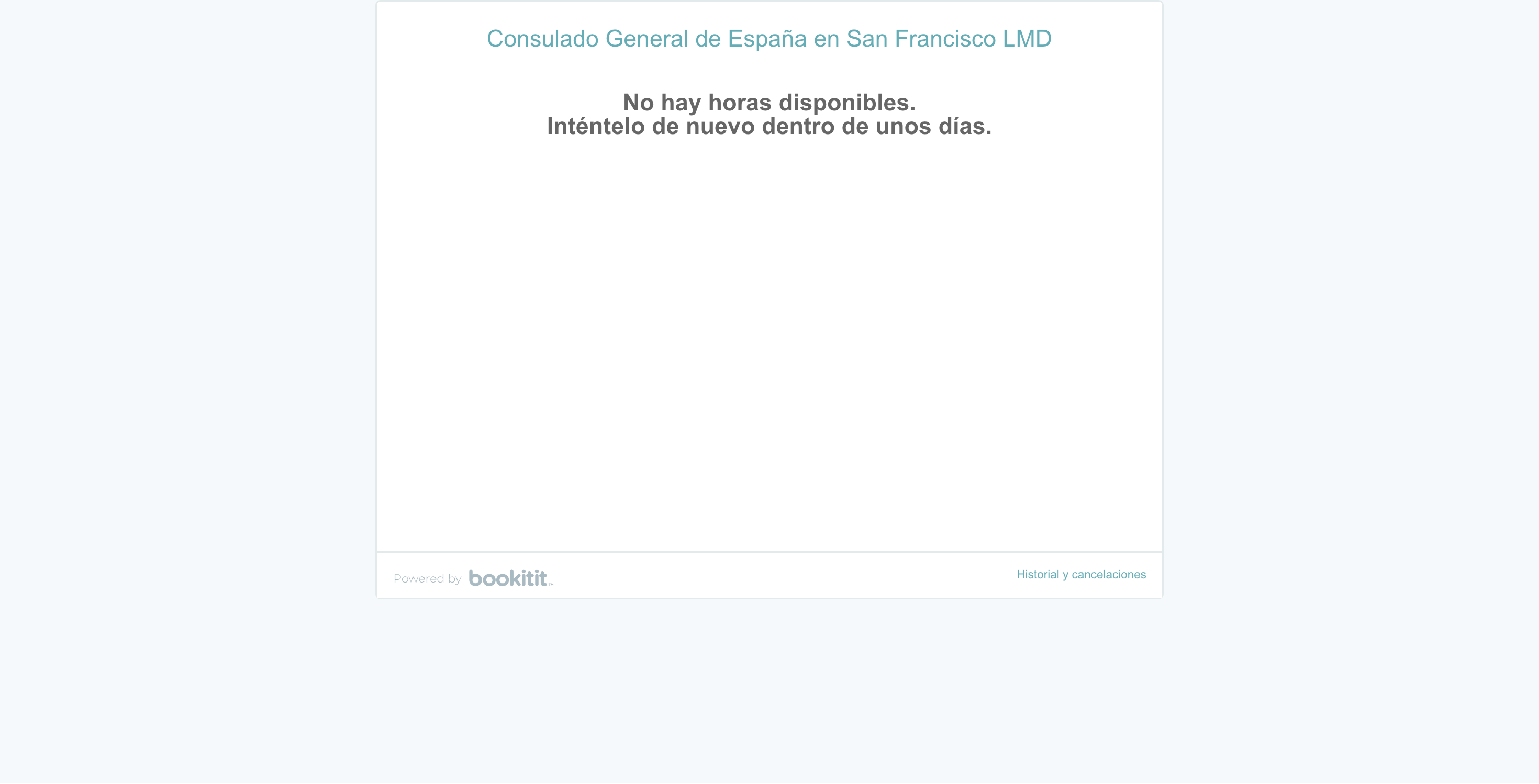
No Availability
- no availability: Successfully reached the final page, but the text "No hay horas disponibles." was found (meaning no appointments).
Low Quality Signals
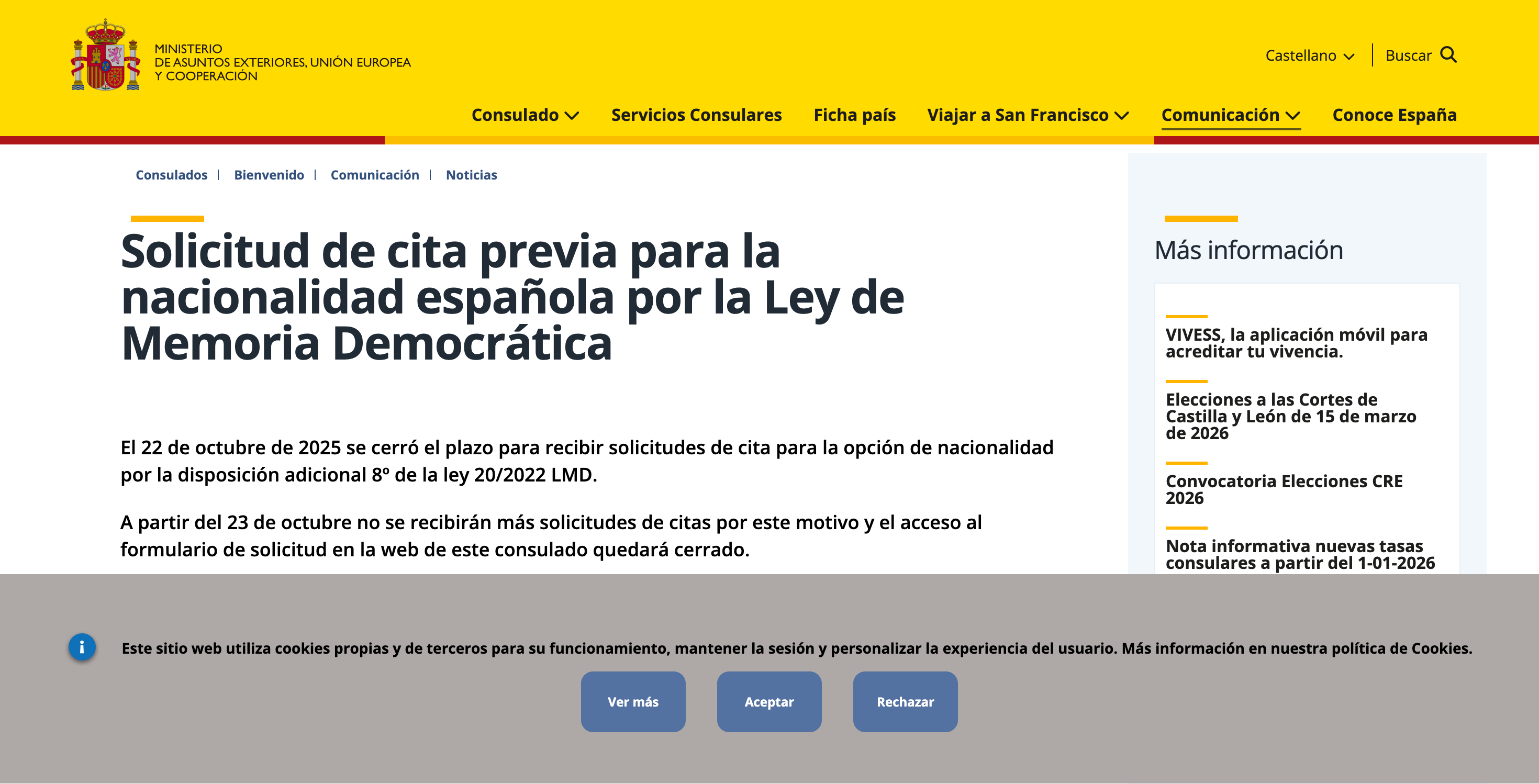
- no cookie banner: Could not find or click the 'Aceptar' button on the initial cookie consent screen.
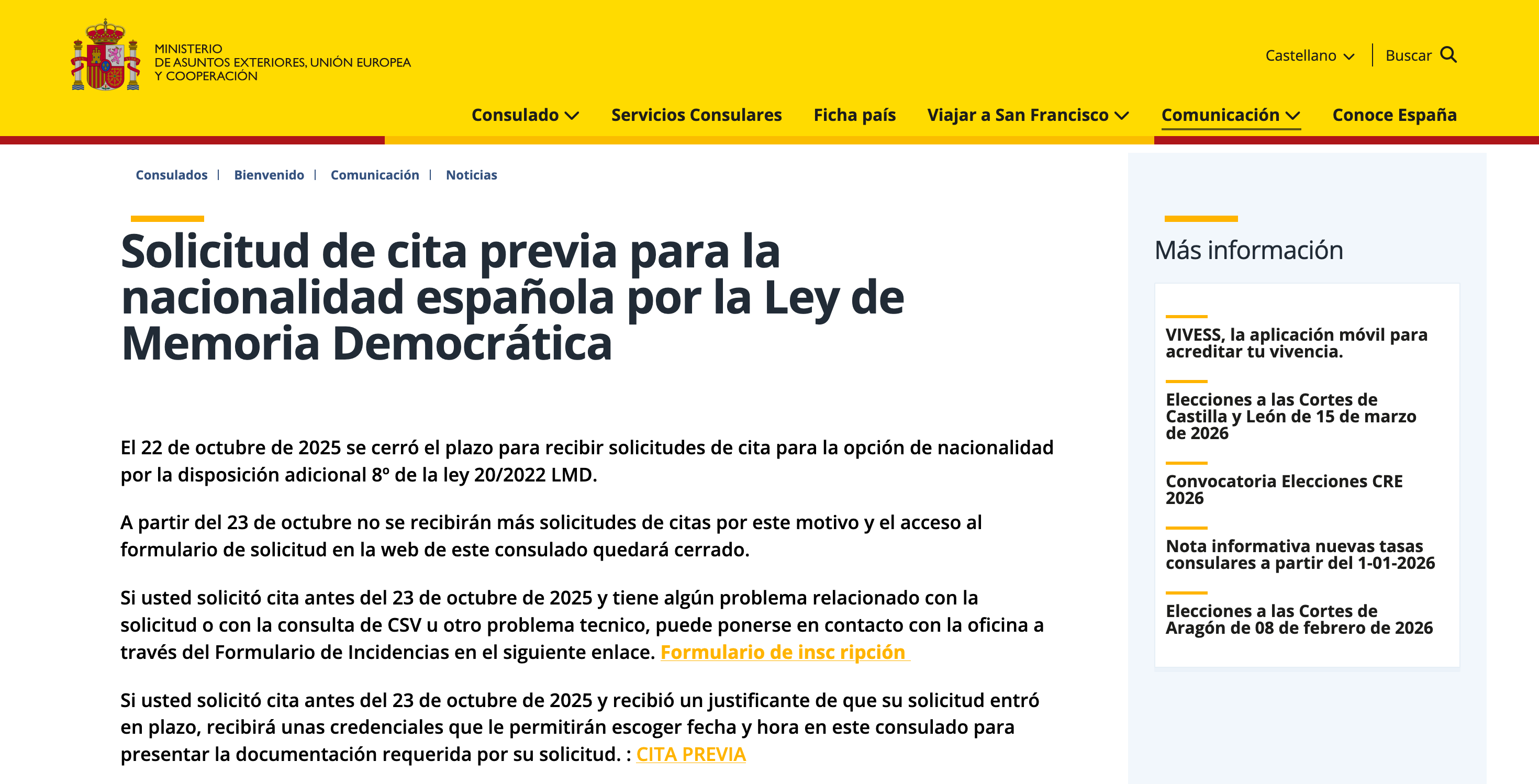
- no cita link: Could not find the 'CITA PREVIA' link on the main page.
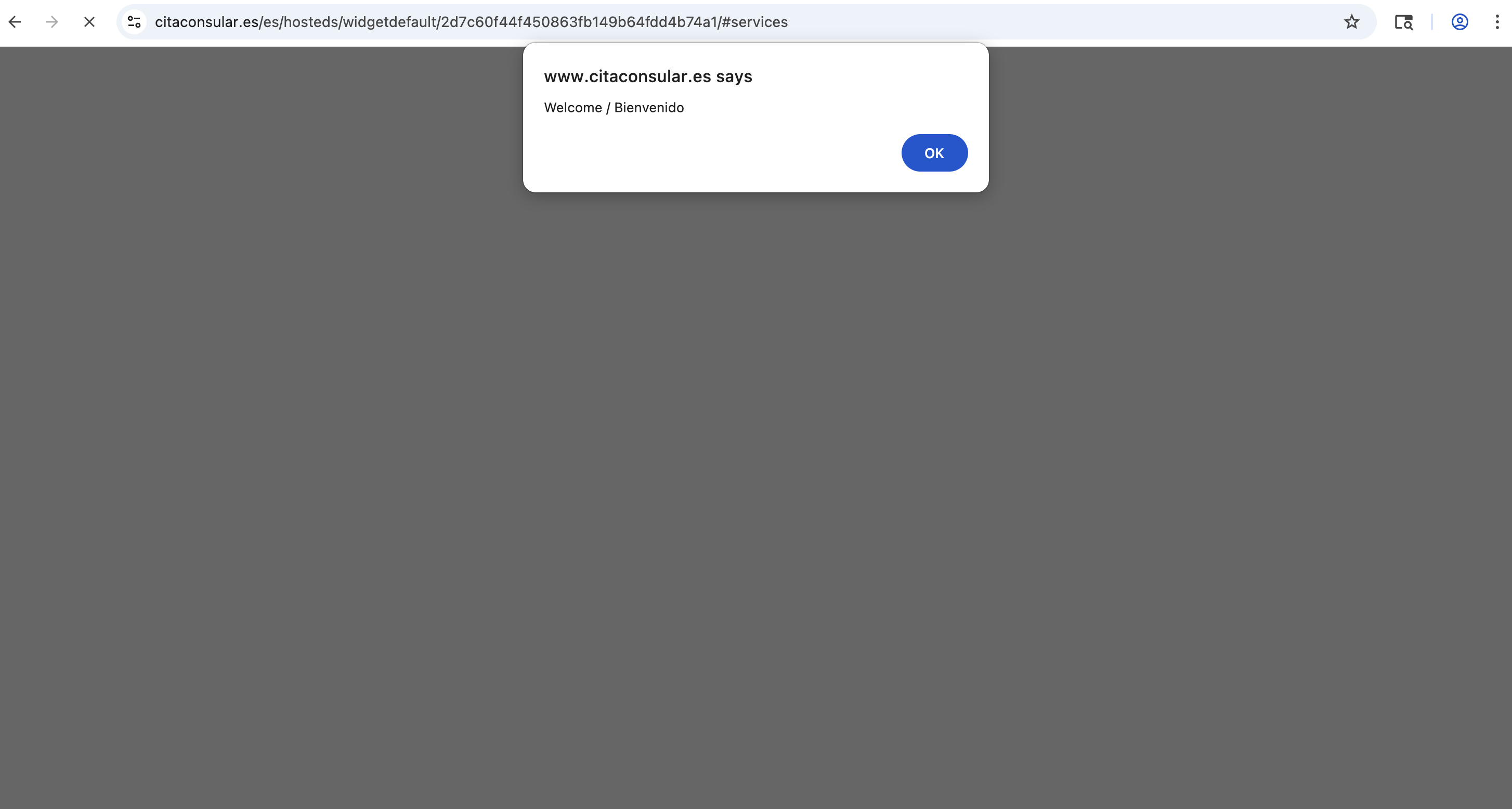
- no alert: The expected browser alert did not appear after clicking 'CITA PREVIA'.
- no continue button: Could not find the 'Continue' button on the intermediate page.
- blank page after continue: Reached the final page but it was completely blank.
- availability check timed out: The crawler timed out while waiting for the final availability check to complete.
Possible Availability
- possible availability: Successfully reached the final page and did NOT find the "No hay horas" text. We alert here because the consulate booking system can be overloaded, and there might be availability, even if no appointments were shown on this check.
Near-Certain Availability
- near-certain availability: The booking widget actually rendered selectable appointment times, meaning appointments are very likely available right now.
Availability Indicators
In the calendar and sidebar, you will see small colored circles representing the results of each check:
1
Bright Green: Near-Certain Availability detected.
1
Green: Possible Availability detected.
1
Orange: Low Quality Signal (e.g. timeout, blank page, or missing button).
1
Red: No Availability found ("No hay horas disponibles").
Below you will see the steps the program takes to look for availability.
1. Accept Cookies
The crawler starts by navigating to the consulate's initial page and clicking to accept cookies.
2. Click CITA PREVIA
The crawler finds and clicks the 'CITA PREVIA' link.
3. Click the alert
The crawler finds and clicks OK on the first popup.
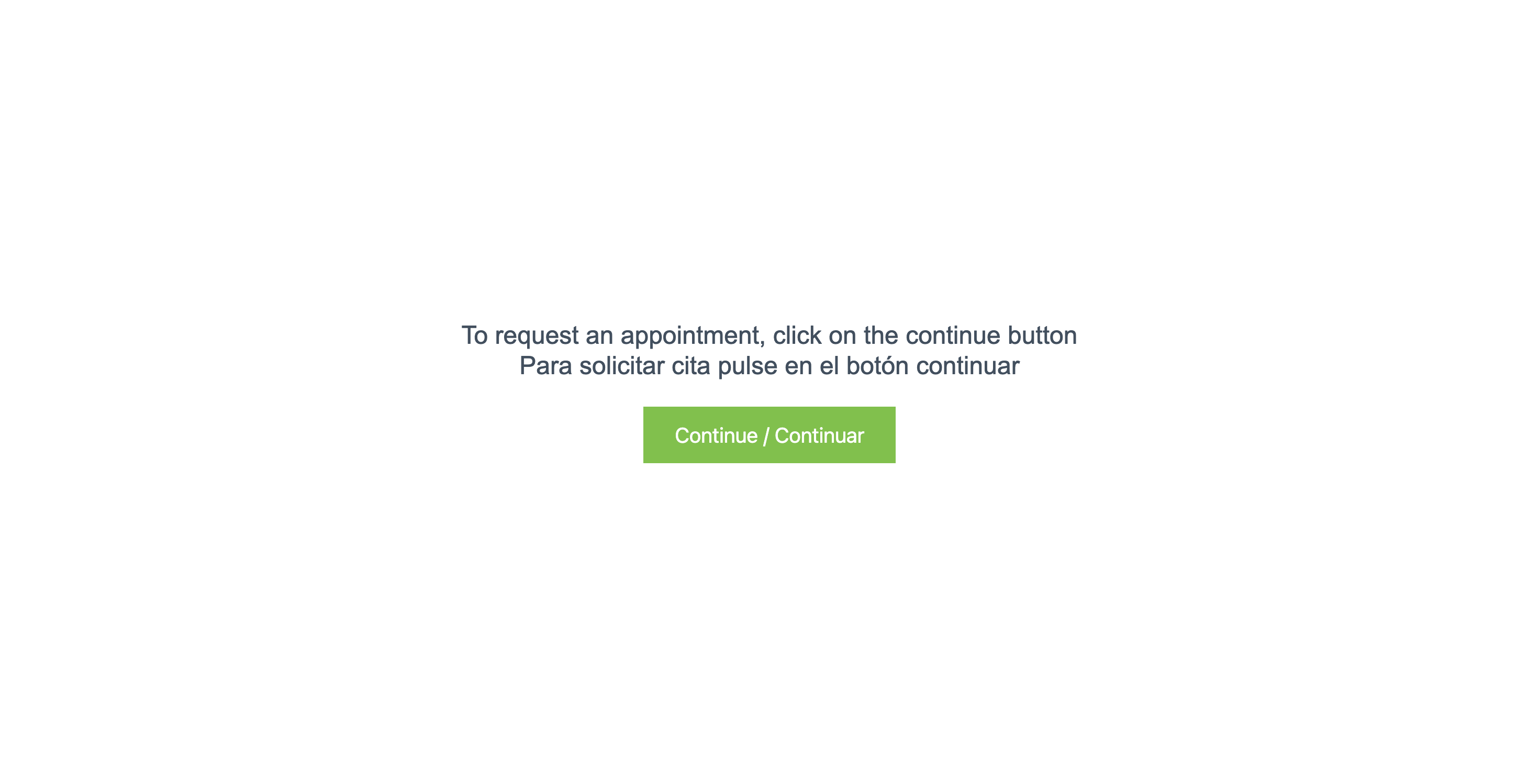
4. Click Continue
The crawler clicks the continue button to check for availability.
5. Final Availability Check
The crawler reaches the final page and checks for the 'No hay horas disponibles.' text. If it doesn't see this, it will send an email. If it times out while loading, it will be marked as 'availability check timed out'.